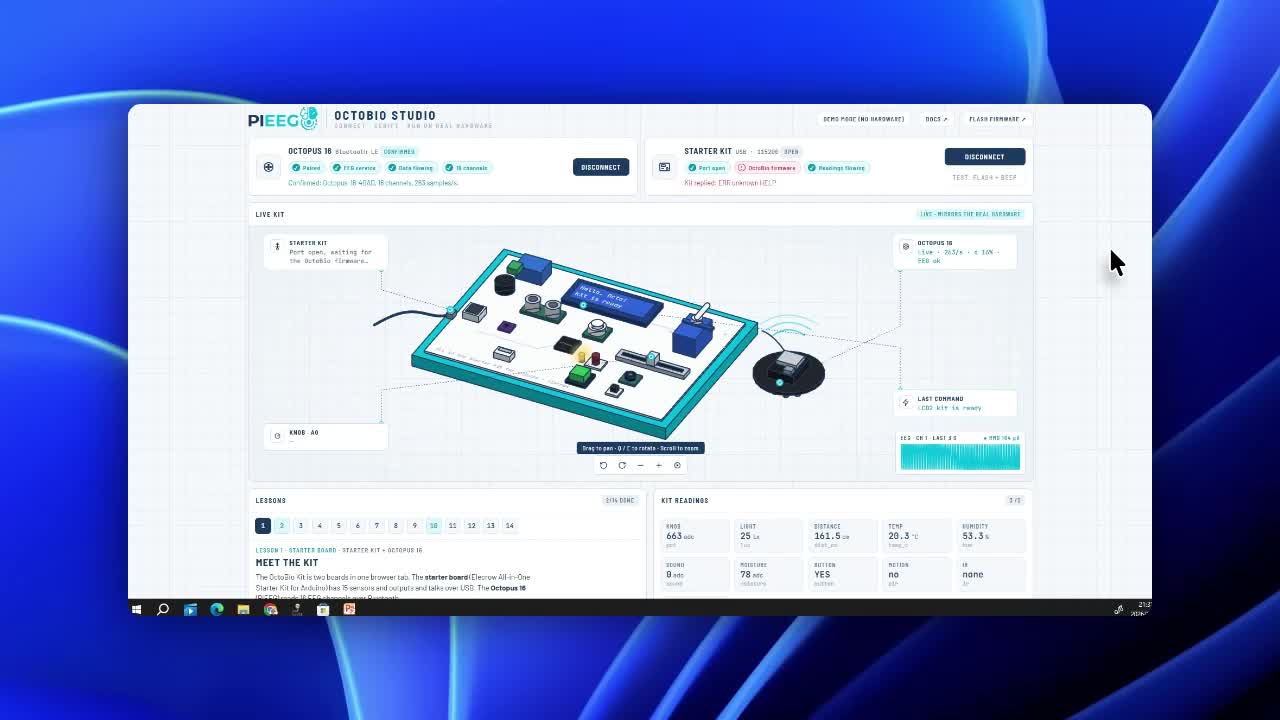
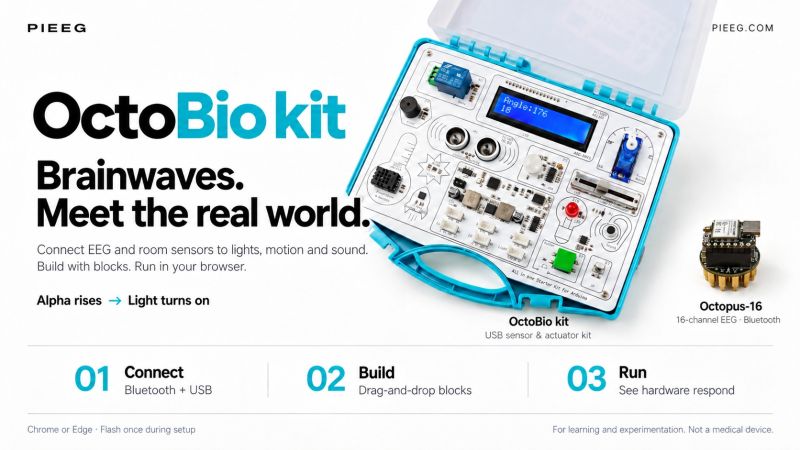
To make hands-on neurotechnology accessible for university courses, robotics clubs, and STEM classrooms, we have launched the OctoBio Kit—developed in partnership with Elecrow—alongside its free browser-based companion environment, OctoBio Studio.
The kit unites two worlds in one box: a wireless 16-channel Octopus-16 biosignal sensor over Bluetooth and an Arduino starter kit packed with LEDs, a servo motor, environmental sensors, relays, and an LCD display over USB.
One Browser Tab, Live 3D Hardware Twin, Zero Installation
Open OctoBio Studio in Chrome or Edge—no desktop IDE, drivers, or user account required—and connect both boards in seconds:
- Live 3D Hardware Mirror: An interactive 3D digital twin of the kit updates in real time alongside your physical bench—LEDs illuminate, the servo rotates, and the virtual LCD displays the exact text running on your desk.
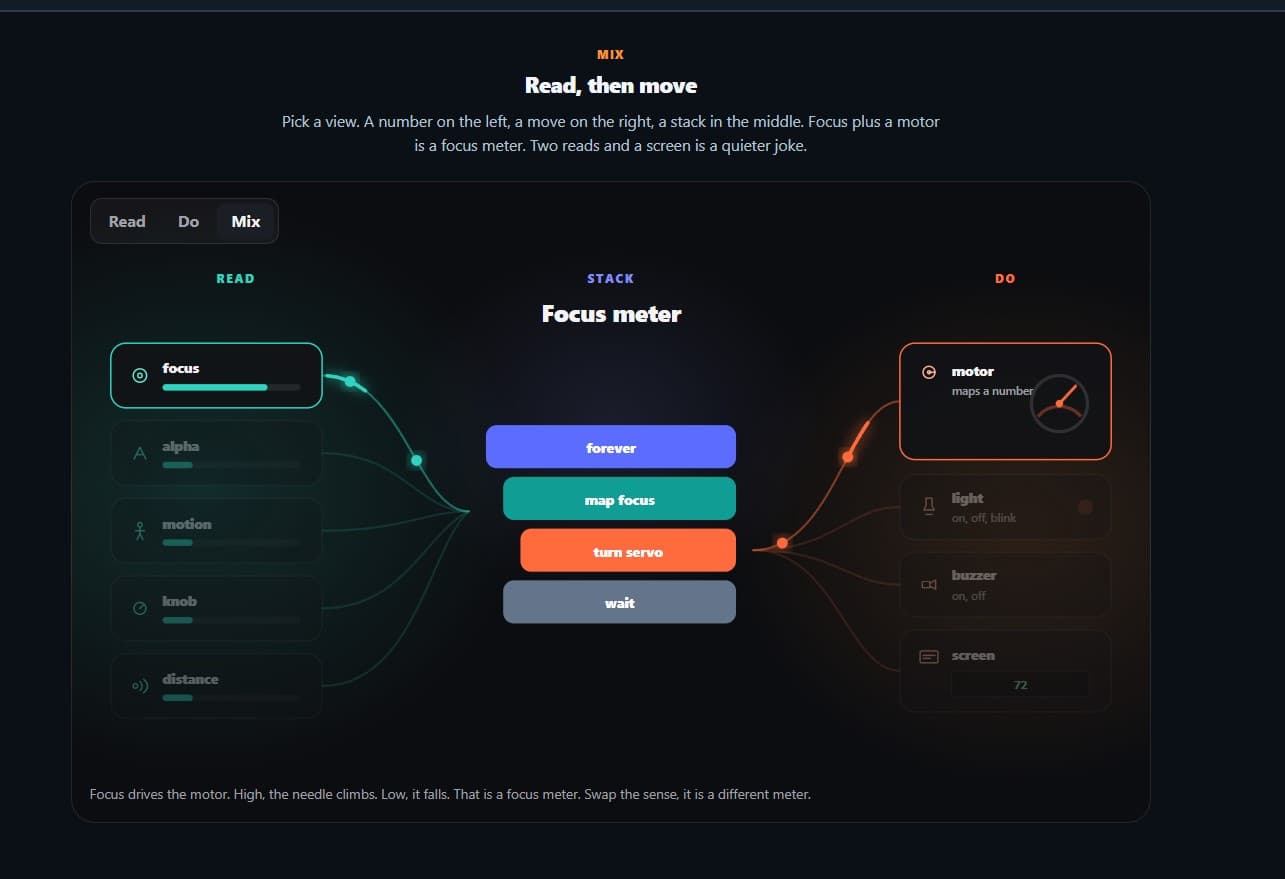
- Blocks & Live Scripting: Start with visual block logic (close your eyes → alpha band power rises → switch on an LED) or edit scripts directly and press Run to drive real actuators from live 16-channel EEG band powers and room sensors.
- 14 Guided Lessons with Live Verification: Step-by-step lab exercises automatically check off tasks as they physically happen on your hardware—progressing from basic actuator control to closed-loop neurofeedback machines.
- Built-In Demo Mode: Explore all 14 lessons, 16-channel waveforms, and the 3D kit simulator immediately in the browser even before your hardware arrives.
Explore the OctoBio Ecosystem
- Hardware Page: OctoBio Kit on PiEEG
- OctoBio Studio & Source Code: github.com/pieeg-club/OctoBio-kit
- Documentation: docs.pieeg.com/hardware/devices/OctoBio_Kit/